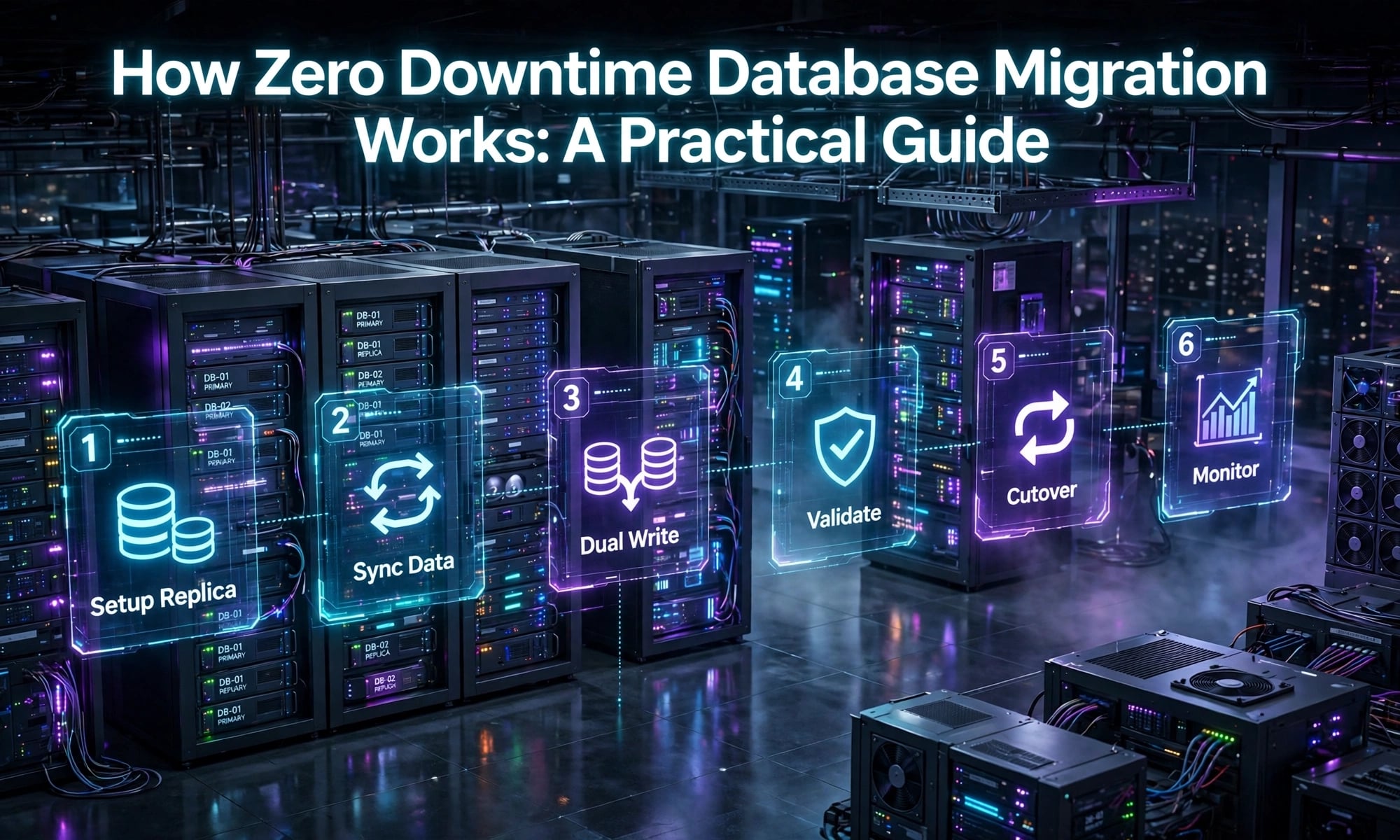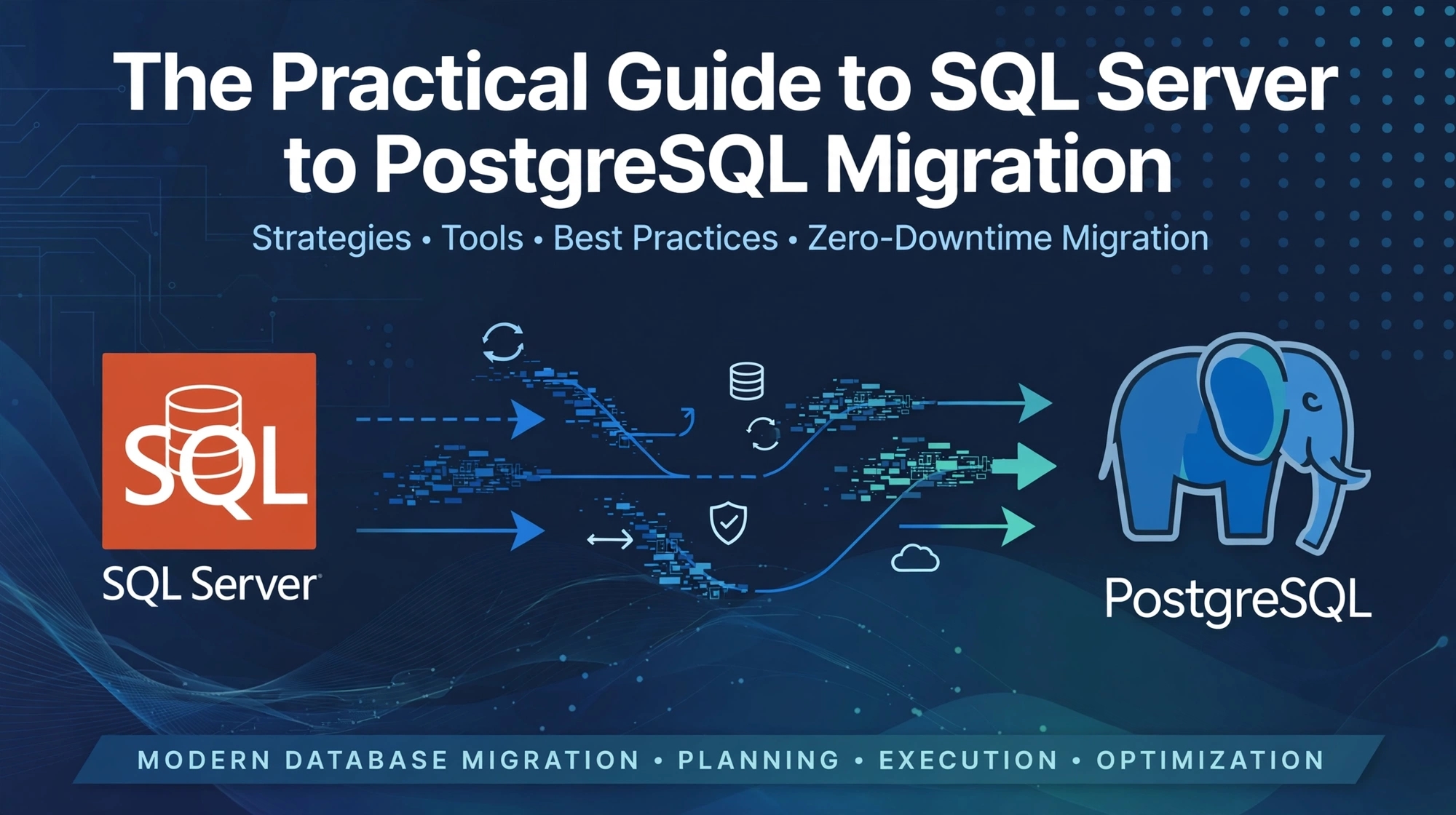
Many businesses rely on Microsoft SQL Server to power their applications, reporting systems, and day-to-day operations. However, changing licensing requirements, infrastructure costs, cloud strategies, or a preference for open-source technologies may lead organisations to consider PostgreSQL.
Migrating from SQL Server to PostgreSQL can offer greater deployment flexibility and help organisations reduce dependence on a single database platform. However, the process involves more than copying tables and transferring records. Differences in SQL syntax, data types, stored procedures, and application behaviour must be addressed carefully.
This practical guide explains how to plan, execute, and validate a successful SQL Server to PostgreSQL migration.
Why Migrate from SQL Server to PostgreSQL?
PostgreSQL is an open-source relational database known for its extensibility, reliability, and support for advanced SQL features. It can run on various operating systems and cloud environments.
Businesses may consider migration to:
- Reduce database licensing costs, depending on their existing agreements and infrastructure.
- Gain flexibility in choosing hosting environments.
- Support applications built around open-source technologies.
- Use PostgreSQL features such as JSONB, extensions, and advanced indexing.
- Align database infrastructure with broader modernisation goals.
However, PostgreSQL is not automatically cheaper or better for every workload. Organisations should compare performance, operational expertise, support requirements, migration costs, and long-term maintenance before making a decision.
1. Assess the Existing SQL Server Environment
Start by documenting the current database environment. Identify database sizes, table structures, relationships, indexes, views, stored procedures, triggers, scheduled jobs, and application dependencies.
Pay particular attention to SQL Server-specific features such as T-SQL logic, SQL Agent jobs, linked servers, and specialised data types.
Classify database objects by complexity and business importance. This helps identify potential compatibility issues early and provides a realistic estimate of migration effort.
Also establish measurable success criteria, including acceptable downtime, data accuracy, application response times, and recovery requirements.
2. Choose the Right Migration Strategy and Tools
The migration approach depends on database size, application complexity, acceptable downtime, and the need for continuous data synchronisation.
Common approaches include:
- Offline migration: Transfer data during a planned maintenance window. This may suit smaller databases or systems that can tolerate downtime.
- Online or phased migration: Keep the source system available while data is transferred and synchronised, where supported by the selected tools and architecture.
- Application-led migration: Update application queries and database access layers alongside the database transition.
Tools such as the SQL Server Migration Assistant (SSMA) for PostgreSQL, where applicable, and other schema conversion or data migration utilities can help automate parts of the process. Verify current product support, feature coverage, and licensing before choosing a tool.
Automation can accelerate migration, but complex stored procedures and application dependencies often require manual review.
3. Convert the Schema and Data Types
SQL Server and PostgreSQL use different data type systems and database object definitions. Some mappings are straightforward, while others need deliberate design decisions.
Examples include:
BITmay map to PostgreSQLBOOLEAN.UNIQUEIDENTIFIERcommonly maps toUUID.DATETIME2may map toTIMESTAMP, depending on the intended time-zone semantics.IDENTITYcolumns may require PostgreSQL identity-column or sequence configuration.NVARCHARmay map toVARCHARorTEXT, depending on requirements.
Review precision, scale, nullability, default values, constraints, indexes, and collation behaviour. SQL Server and PostgreSQL can also differ in case sensitivity and string comparison rules.
Do not assume that automatically converted schema definitions preserve every business rule.
4. Rewrite T-SQL and Database Logic
One of the most challenging migration tasks is converting SQL Server-specific logic into PostgreSQL-compatible SQL and PL/pgSQL.
Common areas requiring attention include:
- Stored procedures and user-defined functions.
- Triggers and error-handling logic.
- Temporary tables and table variables.
- Dynamic SQL.
- Date and string functions.
- Transaction handling and generated identifiers.
For example, SQL Server's GETDATE() is commonly replaced with PostgreSQL's CURRENT_TIMESTAMP when the intended behaviour matches. However, timestamp semantics and transaction behaviour should be checked rather than replaced mechanically.
Review every critical database routine, especially those used in billing, reporting, inventory, and other business-critical workflows.
5. Migrate Data and Validate Accuracy
Once the schema is prepared, transfer data using the chosen migration tool or a controlled export-and-import process.
Validation should include more than checking whether the migration completed successfully.
Compare:
- Row counts across important tables.
- Primary keys, foreign keys, and unique constraints.
- Null values and important field totals.
- Financial totals and business-critical reports.
- Relationships between related records.
- Application behaviour using migrated data.
For large databases, consider checksums or targeted data comparisons where appropriate. Investigate discrepancies before approving the new environment.
6. Test Performance and Application Compatibility
Queries that perform well in SQL Server may behave differently in PostgreSQL because of differences in query planning, indexing, statistics, and execution strategies.
Use representative workloads to test performance. Review slow queries with PostgreSQL's EXPLAIN and, where appropriate, EXPLAIN ANALYZE. Reassess indexes, query patterns, connection pooling, and database configuration.
Update application connection settings, database drivers, ORM configurations, and SQL statements as required. Test authentication, transactions, reporting, background jobs, and integrations before production deployment.
7. Plan Cutover, Rollback, and Ongoing Support
Before switching production traffic, rehearse the migration and define a clear cutover plan.
Specify the maintenance window, final data synchronisation process, verification steps, stakeholder responsibilities, and rollback criteria. Keep the source database available until the new environment has passed agreed acceptance checks and the rollback window has been evaluated.
After launch, monitor query performance, errors, resource utilisation, backups, and application behaviour. Document the new environment and ensure the operations team understands PostgreSQL maintenance and recovery procedures.
Frequently Asked Questions
1. How long does SQL Server to PostgreSQL migration take?
A simple database may take days or weeks, while complex systems with extensive stored procedures, integrations, and strict downtime requirements can take considerably longer.
2. Can SQL Server stored procedures be migrated automatically?
Some code can be converted using migration tools, but T-SQL-specific features and complex business logic usually require manual changes and testing.
3. Will PostgreSQL improve database performance?
It depends on the workload, schema design, queries, configuration, and infrastructure. Benchmark representative operations before and after migration.
4. How can businesses reduce migration downtime?
Options include rehearsed cutovers, phased migration, replication, and ongoing data synchronisation where supported. The right approach depends on the system's consistency requirements and available tools.
Conclusion
SQL Server to PostgreSQL migration can help organisations modernise their database infrastructure, but success depends on careful assessment, accurate schema conversion, application updates, thorough testing, and a controlled production cutover.
Treat migration as an application and operational change—not simply a data transfer. With a structured plan and clear validation criteria, businesses can reduce disruption and establish a maintainable PostgreSQL environment.
The approach is simple: Use technology to simplify operations—not complicate them.
Work with eSparks IT Solutions
Planning a project around this? We work with businesses in the United States, Canada and the UAE, as well as the UK and Australia. See a related project: Phone Vault. Explore our Programming services and portfolio, estimate your project cost, or book a free call.
Comments
Join the discussionNo comments yet. Be the first to comment.